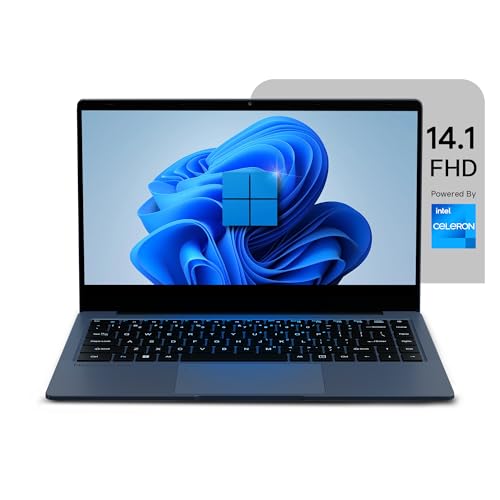




Neopticon BrowseBook Celeron Laptop – Only ₹7,099 (Price Drop to Lowest Price)
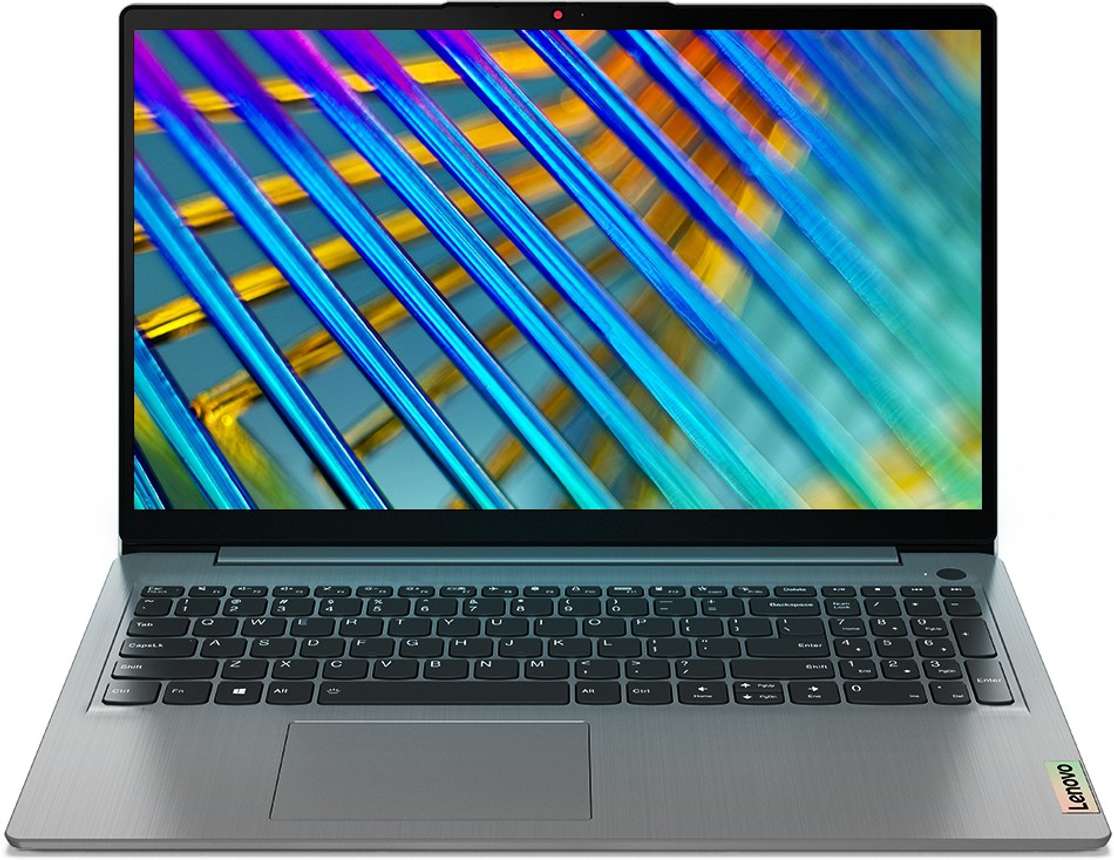
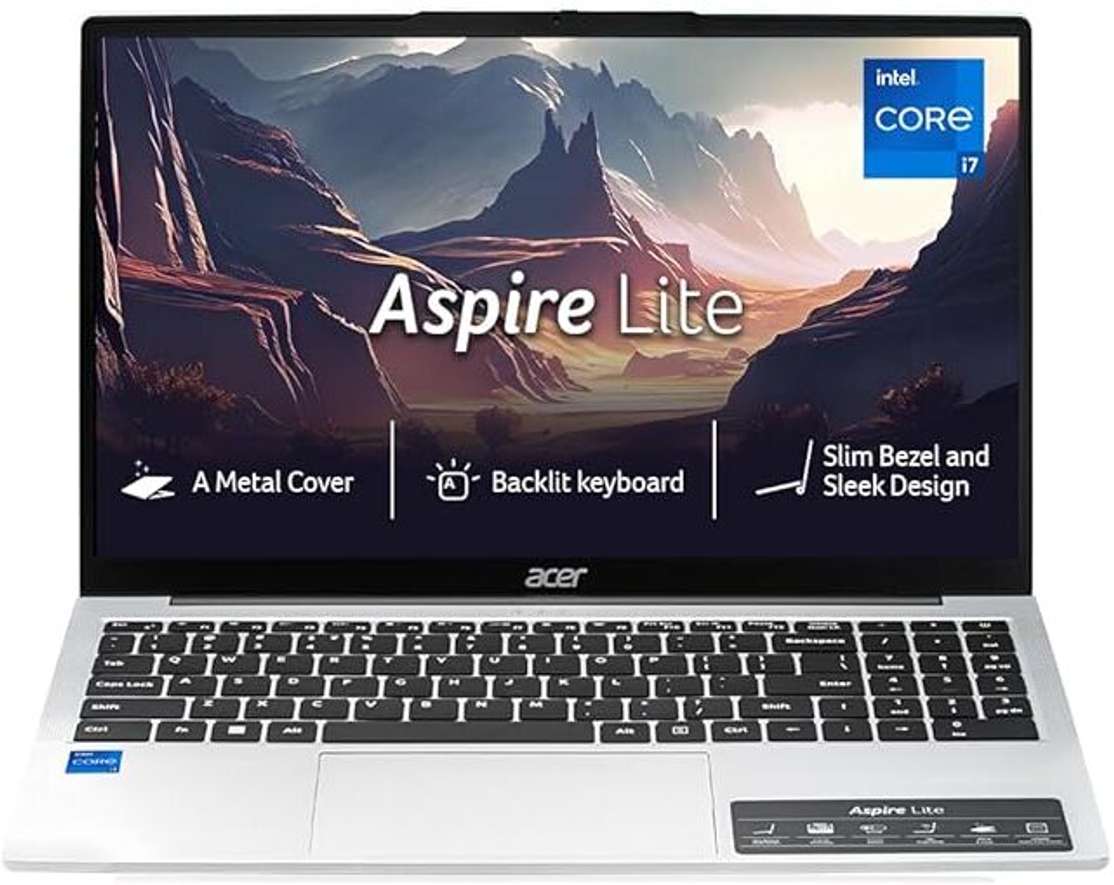
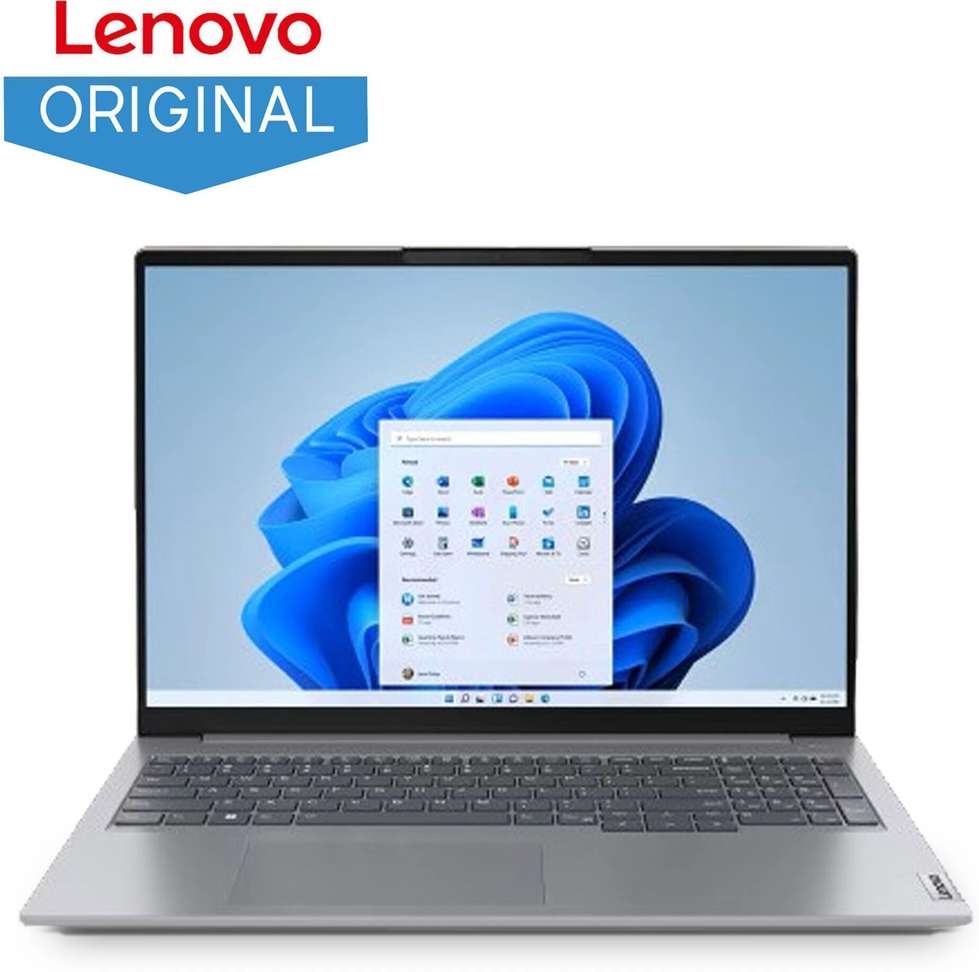
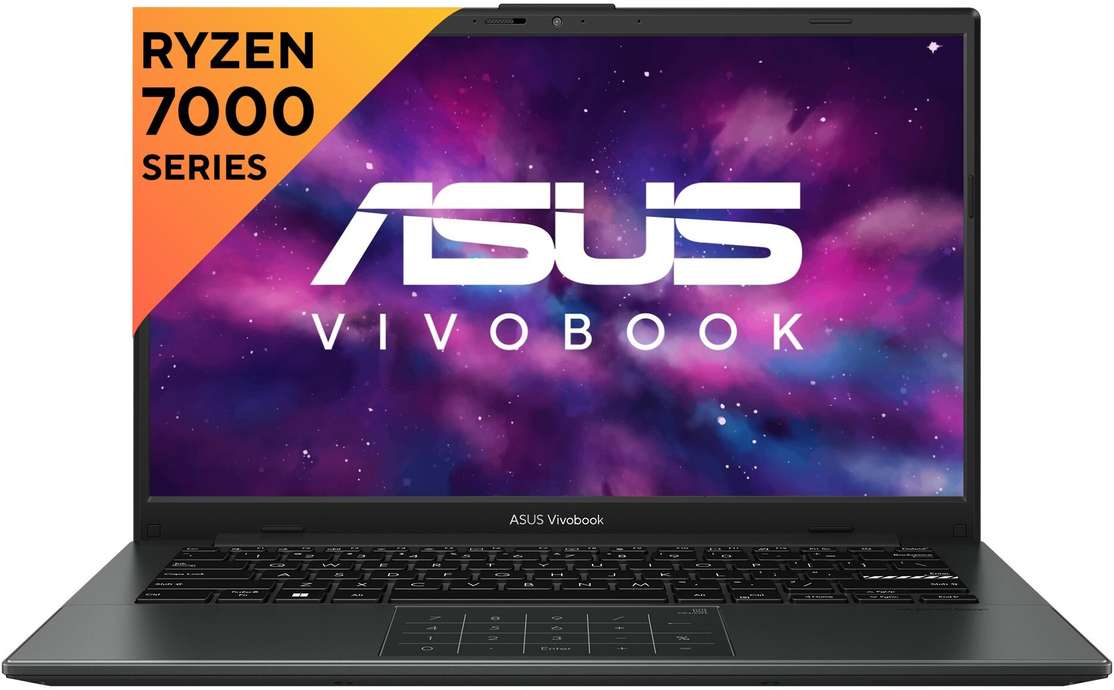
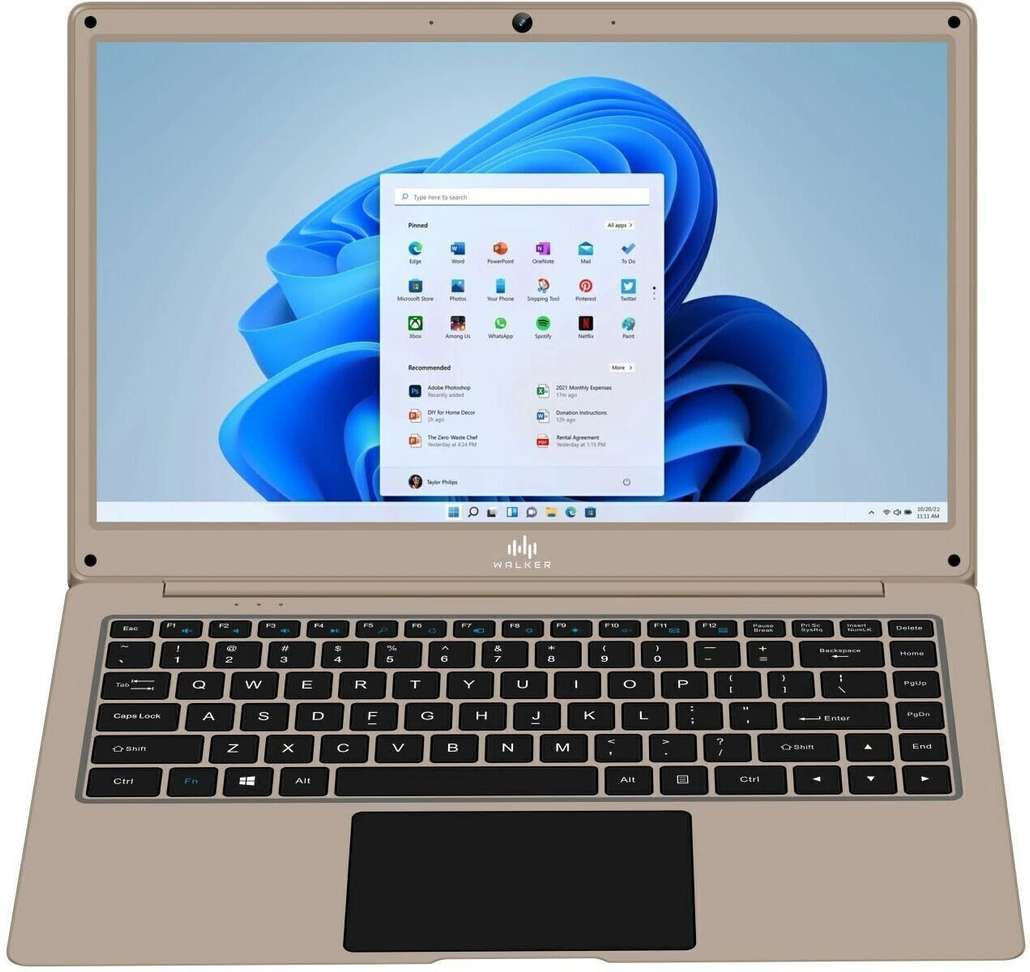
The Neopticon BrowseBook with an Intel Celeron N4020 processor has just hit the ₹7,099 price point on ExampleShop.com. For anyone hunting a lightweight, Windows 11‑ready notebook for daily tasks, this is the moment to act. The device packs a 14.1‑inch LED display, 4 GB RAM, a fast 256 GB SSD and a battery that can stretch up to 8 hours – all for the price of a mid‑range smartphone. Below is an in‑depth look at why this offer is genuine value and who will actually benefit from it.Key Specifications at a Glance
| Specification | Detail |
| Processor | Intel Celeron Dual‑Core N4020 (1.1 GHz base, up to 2.8 GHz burst) |
| Memory | 4 GB DDR4 (expandable up to 8 GB) |
| Storage | 256 GB SSD (NVMe, expandable to 1 TB) |
| Display | 14.1‑inch LED, 1366 × 768 px |
| Graphics | Integrated Intel UHD Graphics 600 |
| Operating System | Windows 11 Home (pre‑installed) |
| Battery | 38 Wh Lithium‑Polymer, up to 8 hrs usage |
| Weight | 1.3 kg – ultra‑portable |
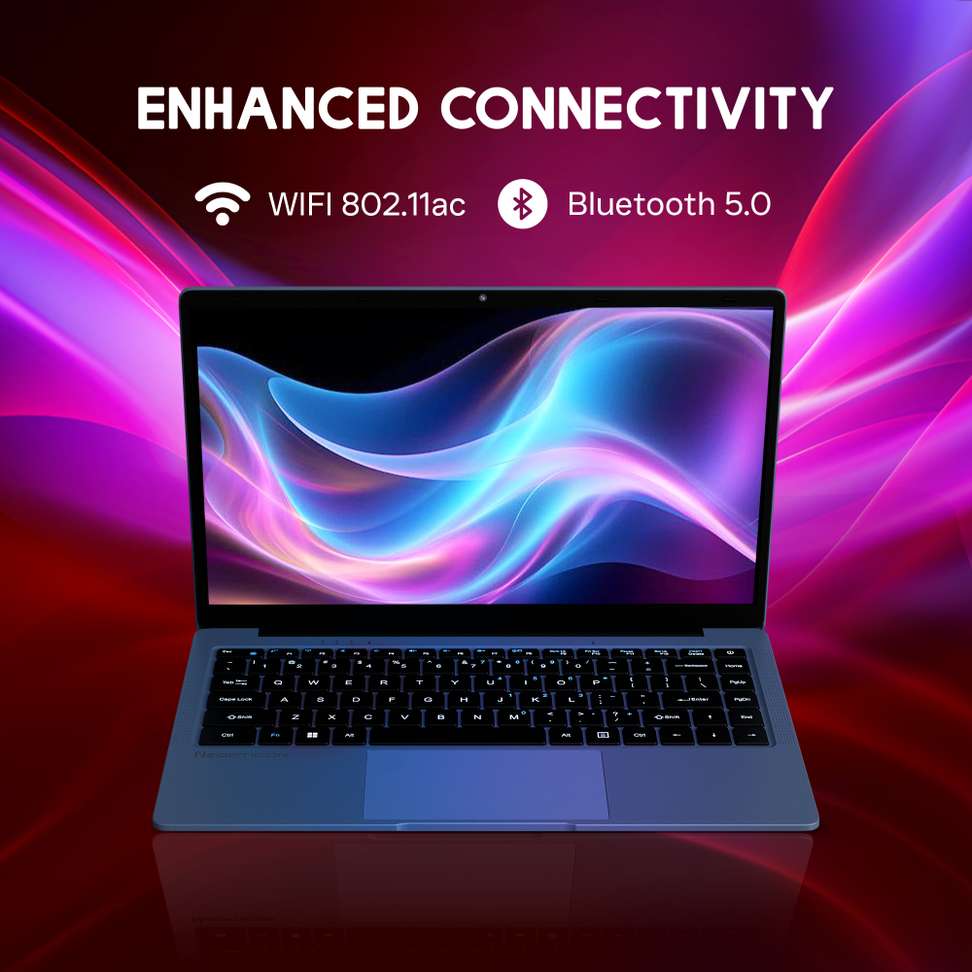
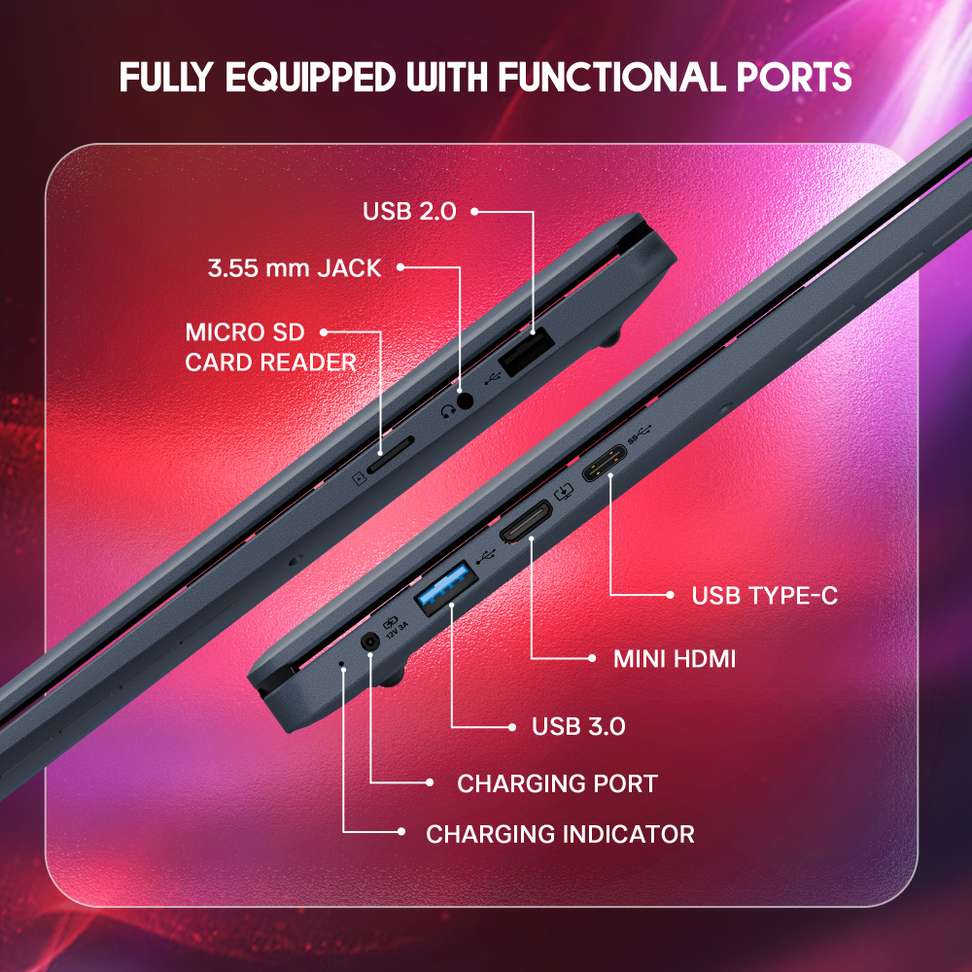
| Connectivity | Wi‑Fi 5, Bluetooth 5.0, 1× USB‑C, 2× USB‑A, HDMI, micro‑SD slot |
| Camera | 2 MP front‑facing webcam |
| Audio | Stereo speakers, HD audio support |
Standout Features & Real‑World Benefits
- Lightweight Build (1.3 kg) – Slip it into a backpack or tote and carry it all day without shoulder fatigue. Ideal for students shuttling between lectures or professionals moving between meeting rooms.
- 8‑Hour Battery Life – The 38 Wh battery keeps you online for a full workday. No more scrambling for a charger during an online class or a video conference.
- Windows 11 Home – Fresh UI, built‑in security, and seamless integration with Microsoft Teams and OneDrive. You’ll experience faster boot‑up and smoother multitasking compared with older Windows versions.
- 256 GB SSD – Instant‑on applications and quick file transfers. Even with 4 GB RAM, the SSD offsets lag, making everyday tasks like browsing, document editing, and streaming feel snappy.
- College students needing a reliable notebook for notes, assignments, and online classes.
- Remote workers who prioritize a light device with decent battery life for video conferences.
- First‑time laptop owners on a tight budget who want a genuine Windows 11 experience.
- Gamers or content creators who require a dedicated GPU and higher‑resolution display.
- Power users who run multiple heavy applications simultaneously (e.g., Photoshop, virtualization).
Pros & Cons
| Pros | Cons |
| Extremely low price – ₹7,099 is the lowest price you’ll see for a Windows‑11 laptop in this segment. | 4 GB RAM may feel tight for heavy multitasking or demanding apps. |
| Lightweight and portable – perfect for on‑the‑go usage. | Display resolution limited to HD (1366 × 768) – not ideal for photo editing. |
| Up to 8 hours battery – covers a typical workday. | No optical drive – you’ll need external USB media for CD/DVD. |
| SSD storage ensures quick boot and load times. | Integrated graphics only – not suitable for modern gaming. |
Is This Deal Worth It? – Price‑Value Analysis
At ₹7,099, the BrowseBook undercuts most entry‑level laptops that usually start at ₹12,000–₹15,000. Even though the hardware is modest, the combination of Windows 11, SSD speed, and a full‑day battery is rare at this price tier. For users whose primary needs are web browsing, document work, video calls and streaming, the device delivers exactly what they require without the bloat of higher‑priced models that include unnecessary specs.If you compare it with a typical ₹9,500 15.6‑inch budget laptop that often ships with a slower HDD, the BrowseBook’s SSD alone saves you several seconds per task, translating into a smoother daily experience. The trade‑off is a smaller screen and limited RAM, but for anyone focused on portability and cost, the value proposition is clear.
Who Should Buy This Laptop?
Ideal for:Better to Skip:
How to Secure the Offer – Simple Steps
1. Visit ExampleShop.com and locate the Neopticon BrowseBook listing.2. Verify the price is ₹7,099 and add the laptop to your cart.
3. Proceed to checkout, select your preferred payment method, and place the order.
4. Keep an eye on your email for the order confirmation and shipping details.
Check Latest Price – Click Here